 Zinn® Guest Posts
Guides
How to start selling
Open a seller account, get approved, submit your first listing and get it reviewed — the steps to selling guest posts, links or services on the Zinn Digital® marketplace.
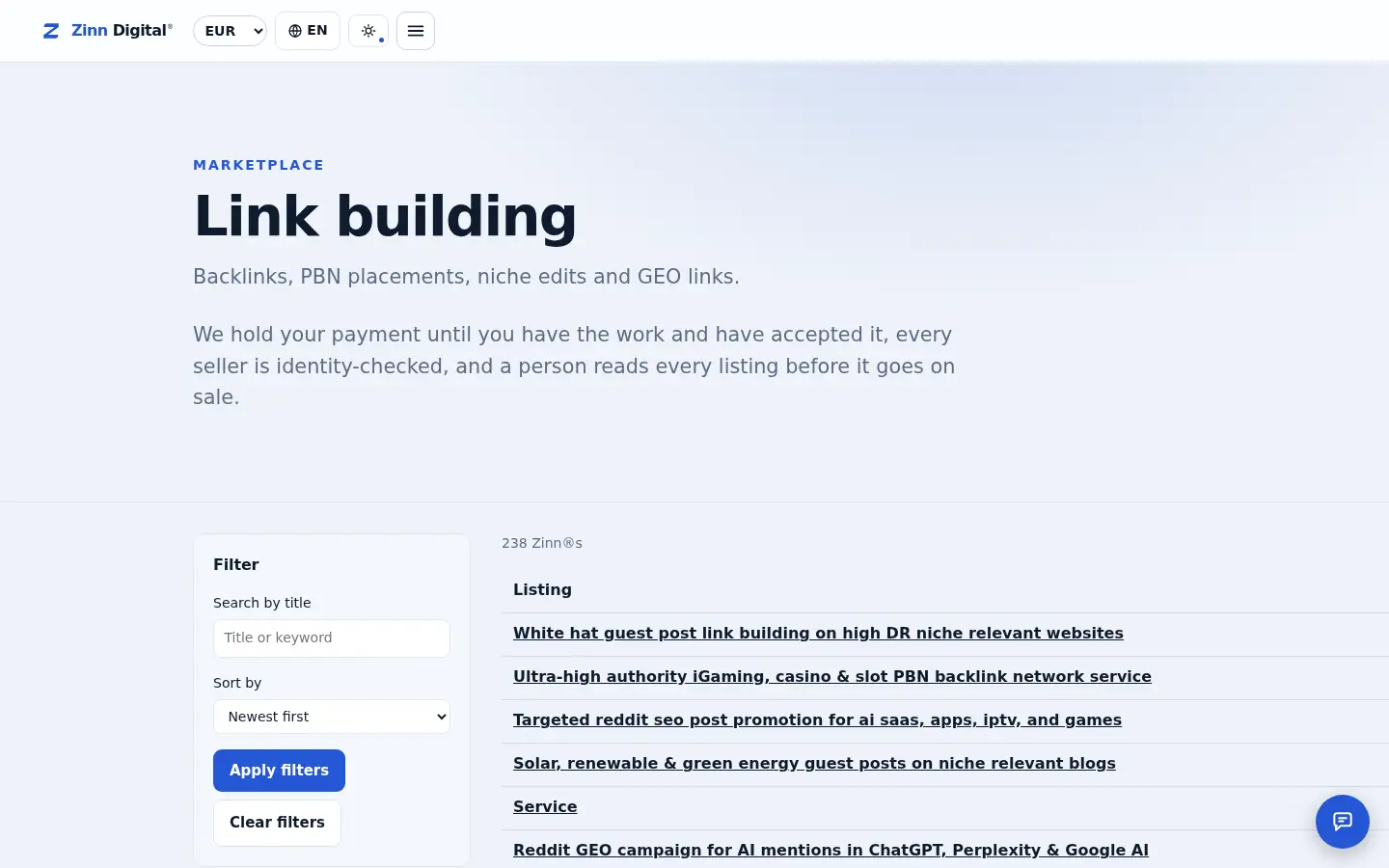
- Sign in to app.zinndigital.com with a Zinn Digital® account and open Sell.
- Add your seller name and submit your account for approval by our team.
- Create a listing: choose the category, describe the site or service and add packages.
- Submit the listing for review. It goes on sale once our team approves it.
- Editing a live listing sends it back for review, so plan price and package changes together.
Host the sites you sell placements on
Publishers selling guest posts need sites that stay fast and online. Zinn Digital® hosting runs on our own servers with a CDN, DNS, TLS and daily backups included — and footprint-free hosting for networks of sites.